
Zones
Zones are the territories clans fight over. They are defined in Config.Zones in config.lua.
Included zones
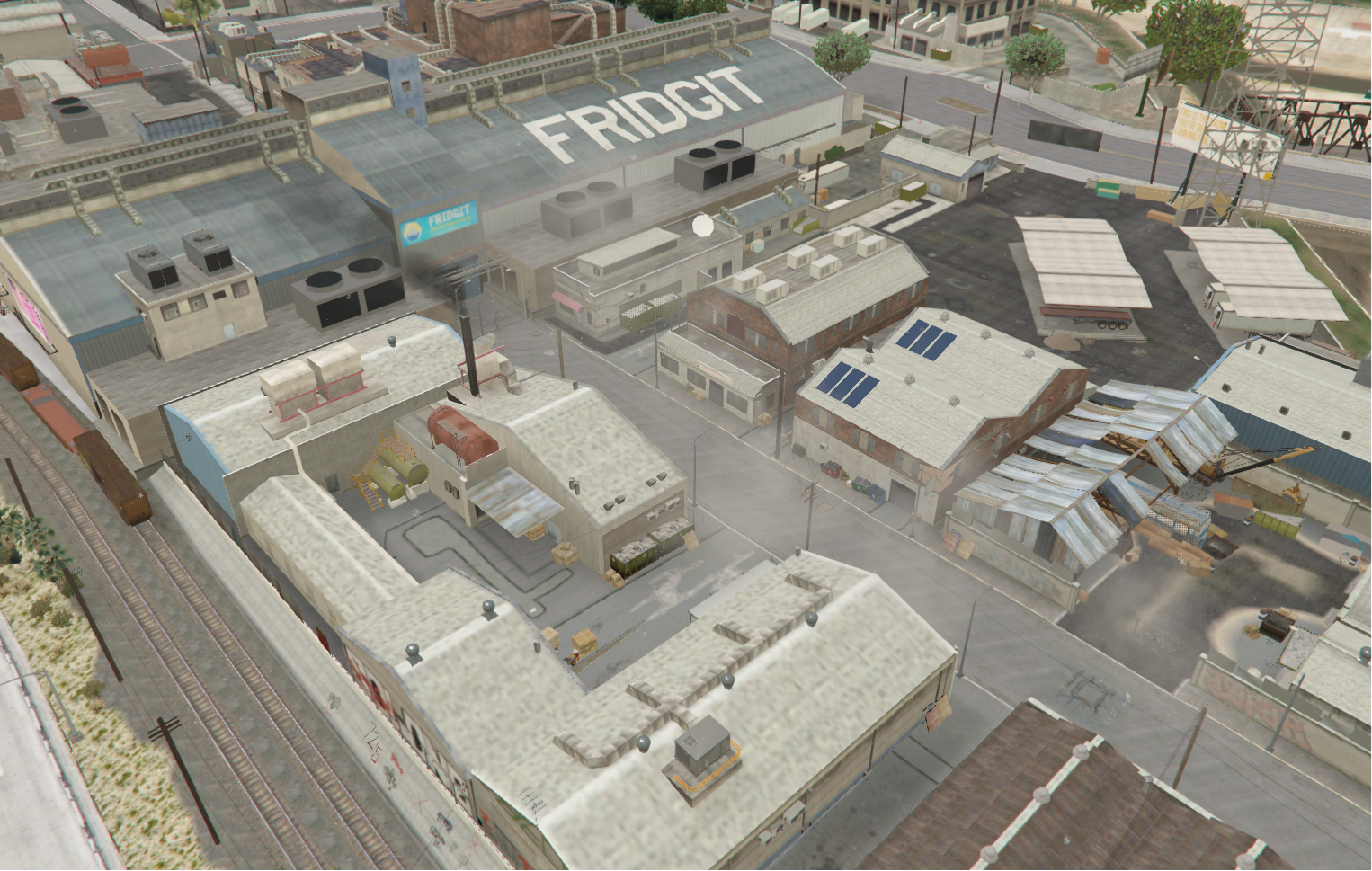 Fridgit10 min · 150 m
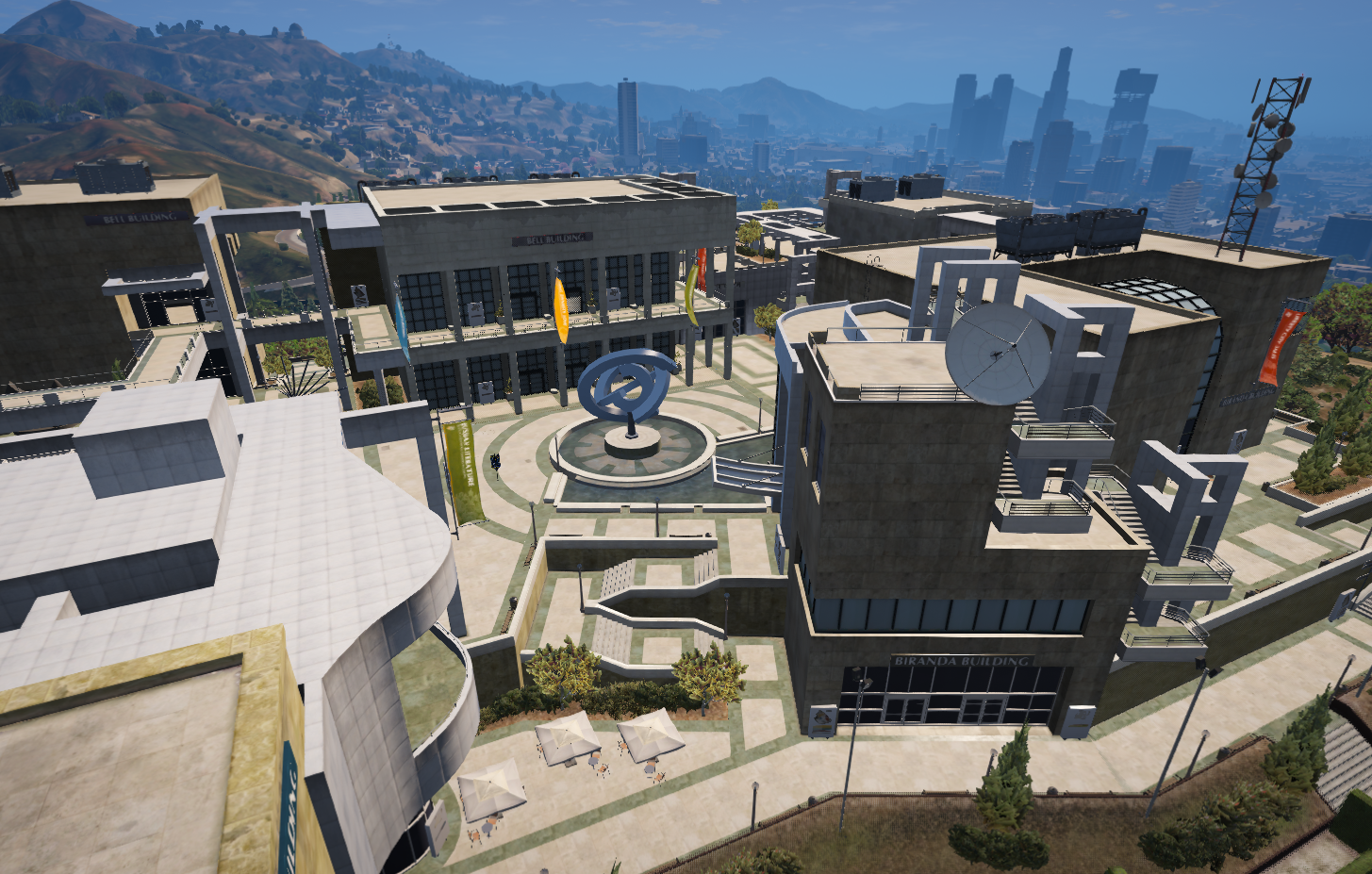 University10 min · 175 m
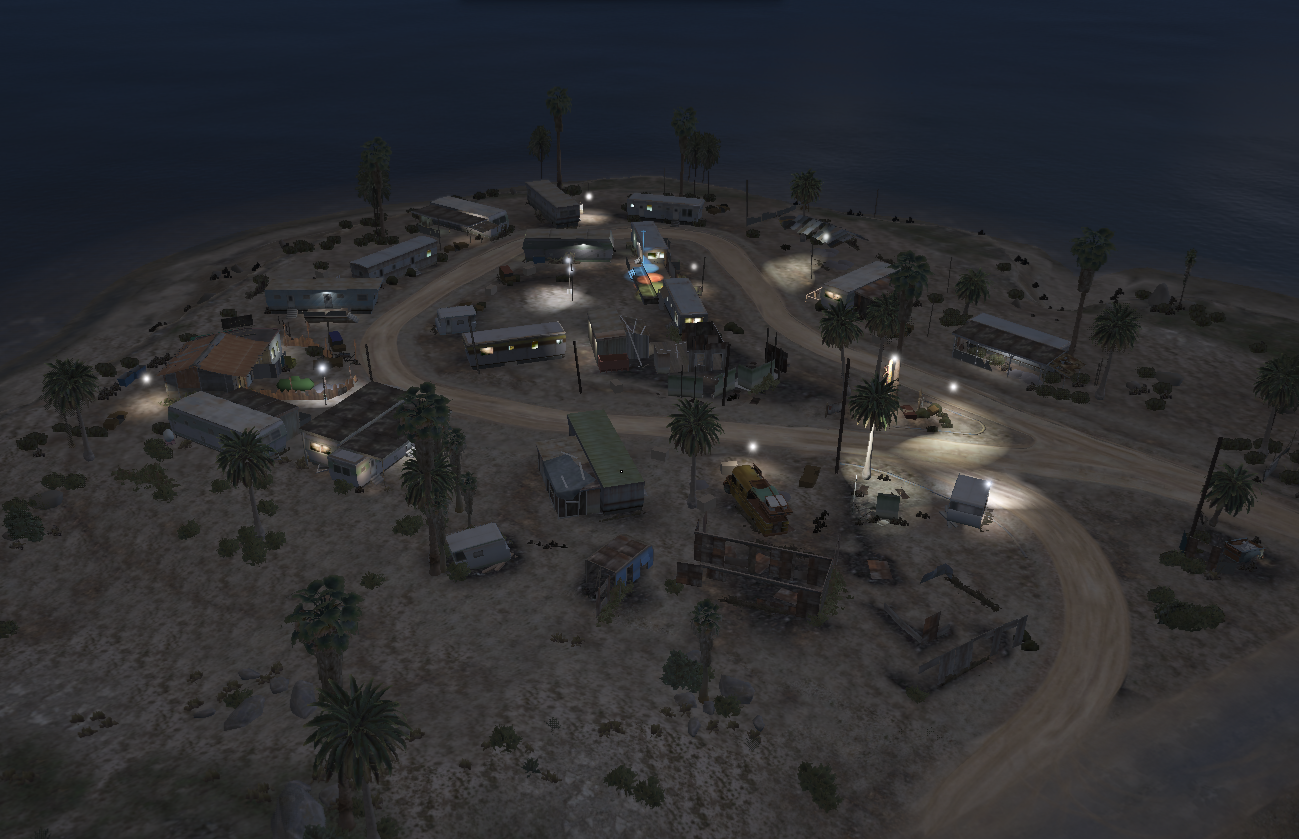 Stab City15 min · 150 m
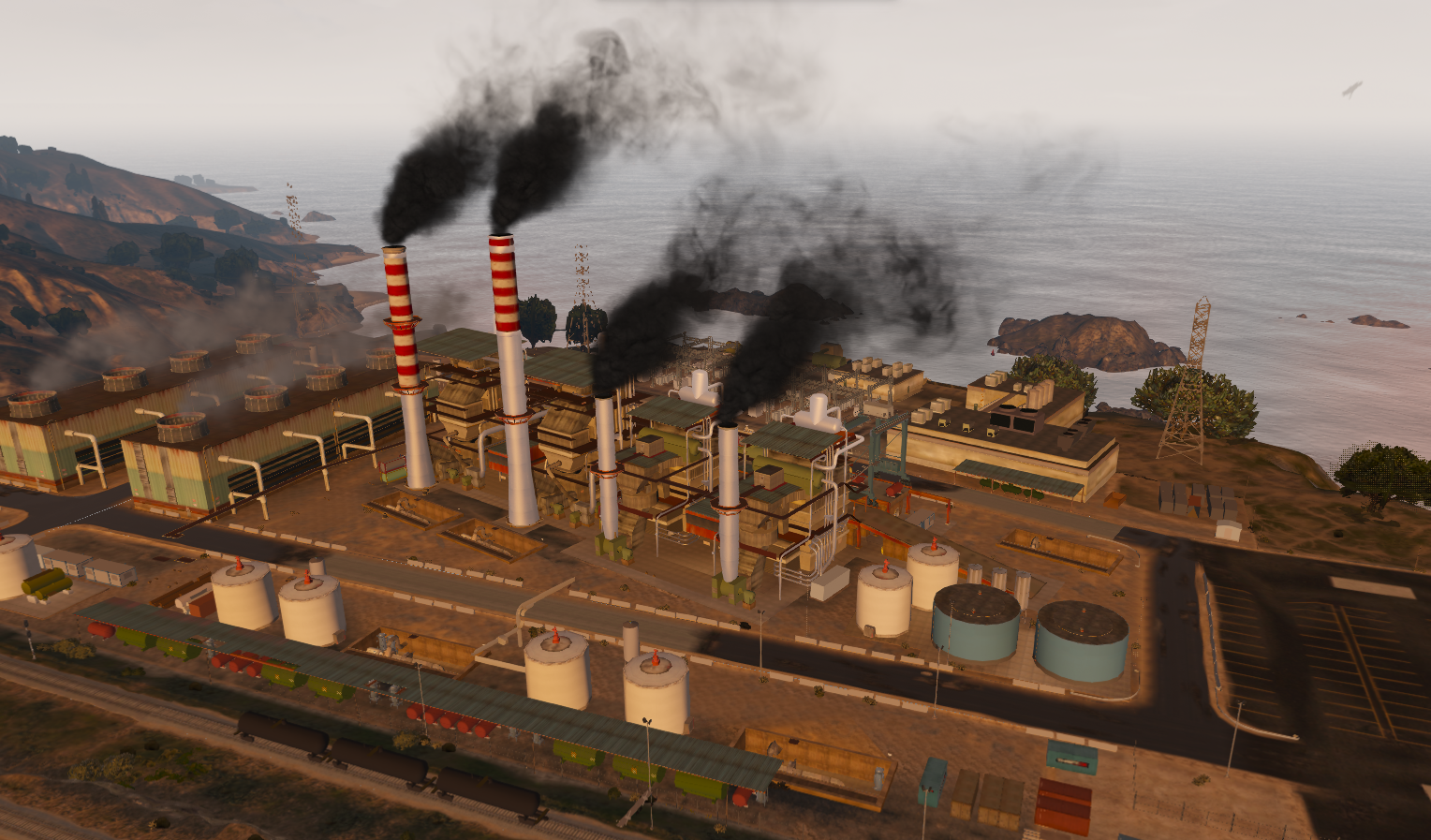 Power Station12.5 min · 250 m
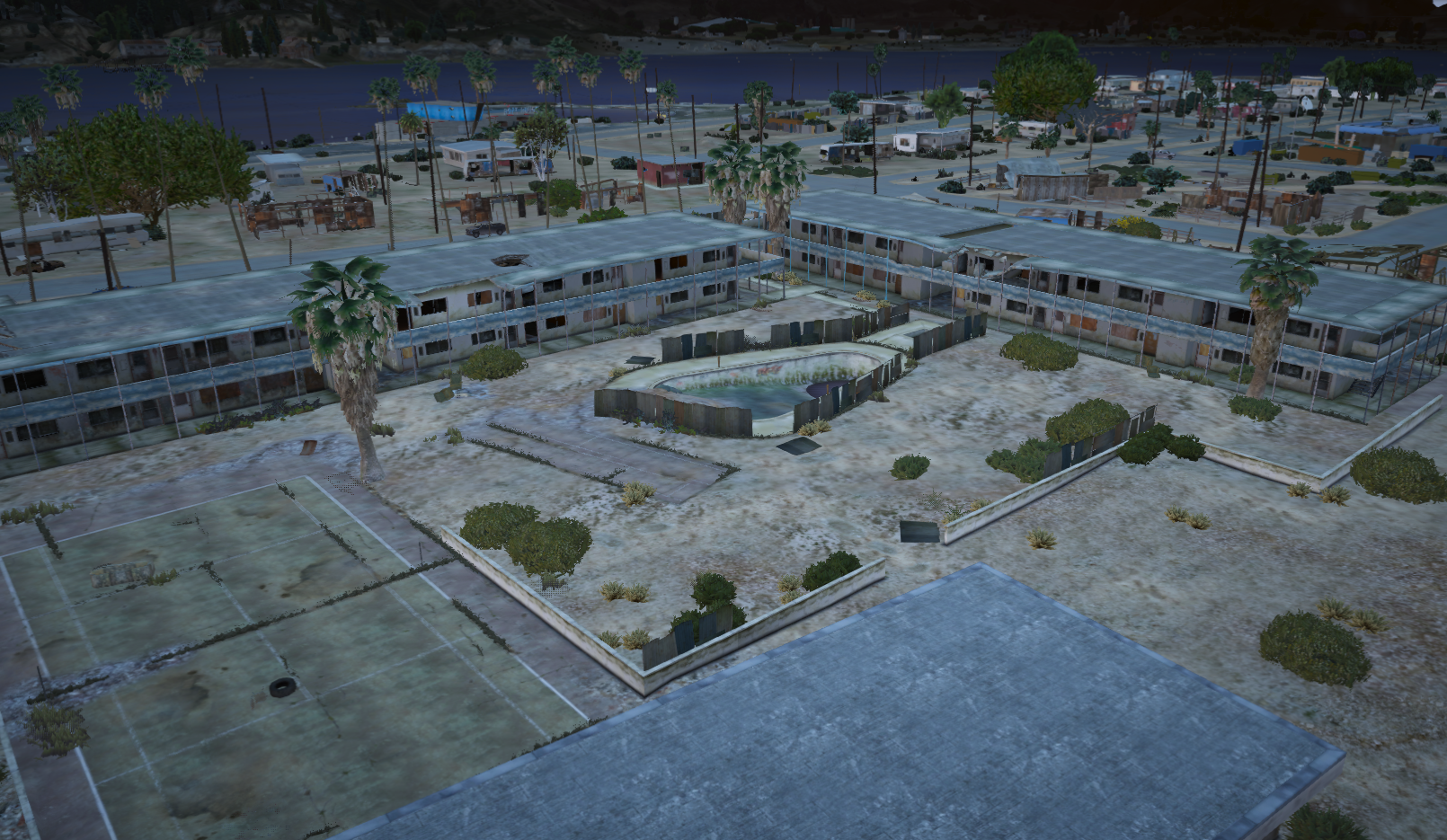 Sandy School15 min · 200 m
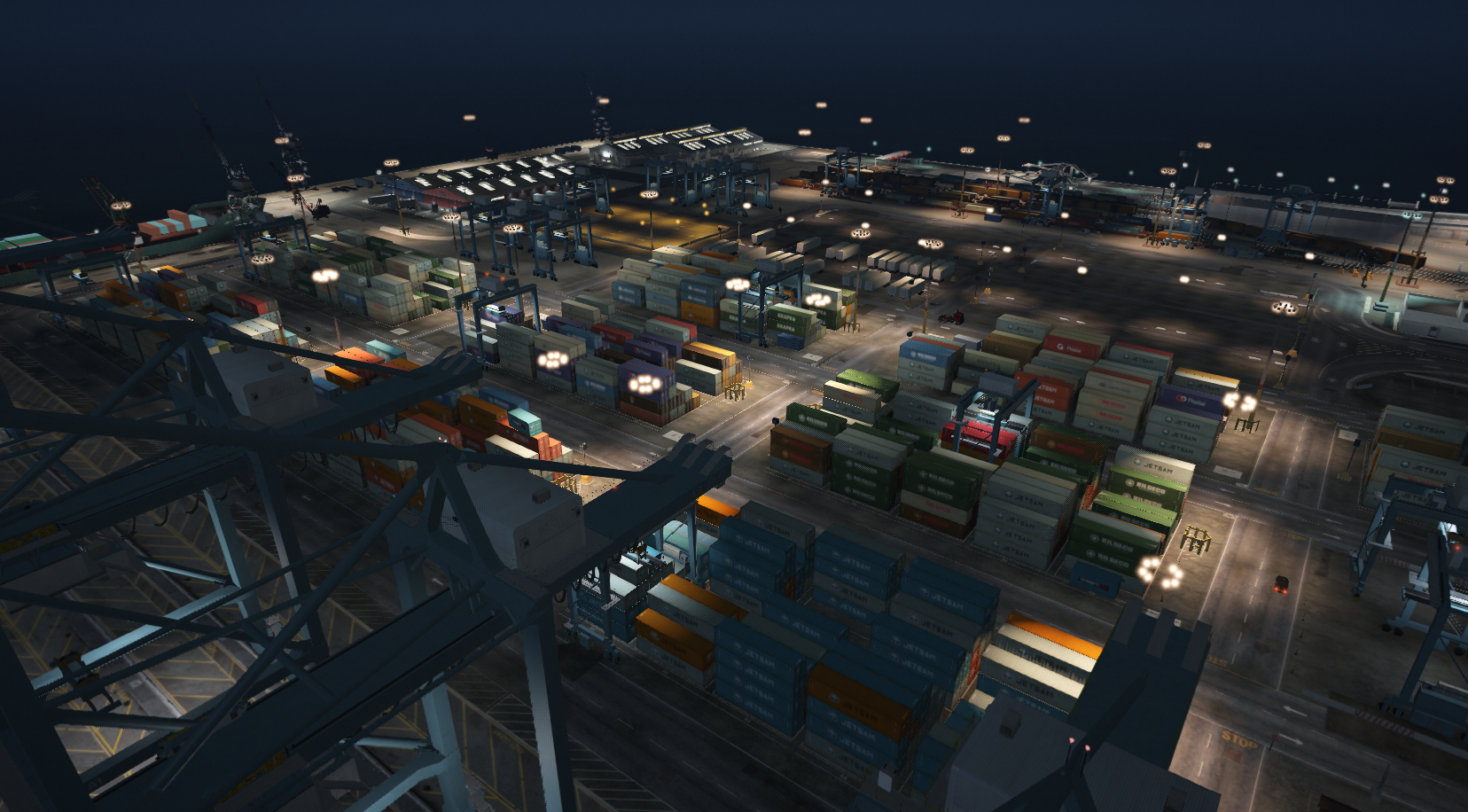 The DocksDisabled by default
North Parking, Scrap and Sandy Scrap are included as commented-out examples. Remove the -- to use them.
Zone fields
lua
{
    id = 'fridgit',                 -- unique ID, lowercase, no spaces
    name = 'Fridgit',               -- name shown in the UI
    enabled = true,                 -- false hides the zone from contests and voting
    duration = 600,                 -- seconds (when Config.EnablePerZoneDuration = true)
    image = 'img/fridgit.png',      -- image in html/img/ for the tablet and map vote
    flagCoords = vector4(1000.79, -1533.11, 29.83, 87.21), -- flag position + heading
    flagModel = Config.FlagModel,   -- flag prop
    center = vector3(958.07, -1548.2, 30.75), -- zone center
    radius = 150.0,                 -- zone radius in meters
    spawnPoints = {                 -- respawn points (vector4 with heading)
        vector4(1004.42, -1571.45, 29.81, 13.58),
        -- ...
    },
    blip = {
        sprite = 543,
        color = 1,
        scale = 0.9,
        display = 4,
    },
},| Field | Type | Description |
|---|---|---|
id | string | Unique key. Used in the database, map votes and exports. Do not change it after launch. |
name | string | Display name. |
enabled | boolean | Whether the zone can be played. |
duration | number | Contest length in seconds. |
image | string | Path relative to html/. |
flagCoords | vector4 | Flag position and heading. |
flagModel | hash | Flag prop model. |
center | vector3 | Center of the circular zone. |
radius | number | Radius in meters. |
spawnPoints | vector4[] | Where players respawn during the contest. |
blip | table | Map blip settings. See the blip list. |
Adding a new zone
- Stand at the middle of the area and copy your coordinates (
vector3). This iscenter. - Stand where the flag should be and copy a
vector4. This isflagCoords. - Walk around the zone and copy 20–40
vector4positions forspawnPoints. Spread them around the edges so players don't spawn on each other. - Pick a
radiusthat covers the area without overlapping other zones. - Add a 16:9 image to
html/img/(for examplehtml/img/myzone.png). - Add the zone to
Config.Zonesand restart the resource.
TIP
The flag needs collision to load before it can be placed. It spawns once a player is within about 60 m of flagCoords.
WARNING
Enable Config.EnableEdgeRespawn and Config.UseCustomSpawns for the best spawn spread. With UseCustomSpawns = false, random positions are used instead of your list.